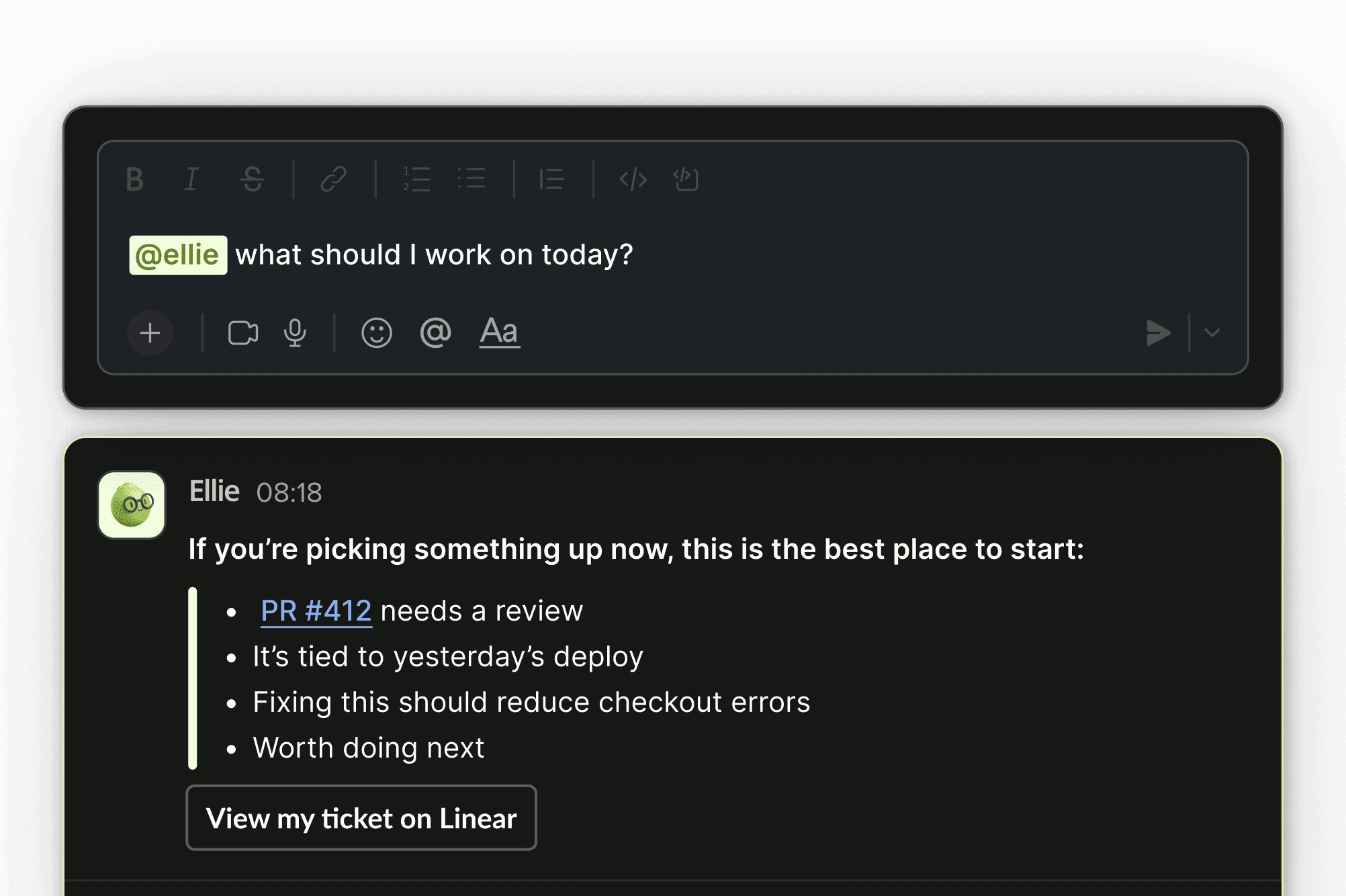
What to ask
Code and pull requests
Explain a service, recent change, risky pull request, review trend, or repository relationship.
Team and delivery
Explore cycle time, review load, deployment health, or a team trend.
AI-agent activity
Investigate spend, adoption, context health, retries, projects, or outcomes.
Incidents and observability
Find recurring production patterns, related code, audit issues, and fix status.
How answers are built
Ellie can use only the context and permissions available to the workspace and user. A strong answer identifies the time range, repository, project, team, or source it used. If context is missing, narrow the request or connect the required source.Answers and actions
Most questions are read-only. Depending on connected systems and permissions, Ellie may also help create tickets, reminders, alerts, recurring reports, or automations.Where to use Ellie
- Web: open Ask Ellie for full conversations and suggested prompts.
- Slack: ask from an approved workspace or channel after connection, bot membership, and user mapping.
- Analytics: use Ask Ellie actions from supported Code Review, Agent Insights, Team Insights, or Reliability views.
Get better answers
Include:- Repository, service, team, or project
- Time range
- Desired comparison
- Evidence you want returned
- Whether you want only analysis or also a proposed action