Verified product surfaces
The current app separates:- Connectors for AI analytics, product analytics, communication, support, meetings, documentation, project management, observability, and CI/CD
- Settings → Auth for source-control authentication
- Settings → Team for members and AI-tool or work-system mappings
- Settings → Code Management for repository synchronization and repository-level controls
- Product settings for review, analytics, automations, and delivery
- Settings → API for CLI and MCP credentials
- Settings → Slack Notification for Slack delivery
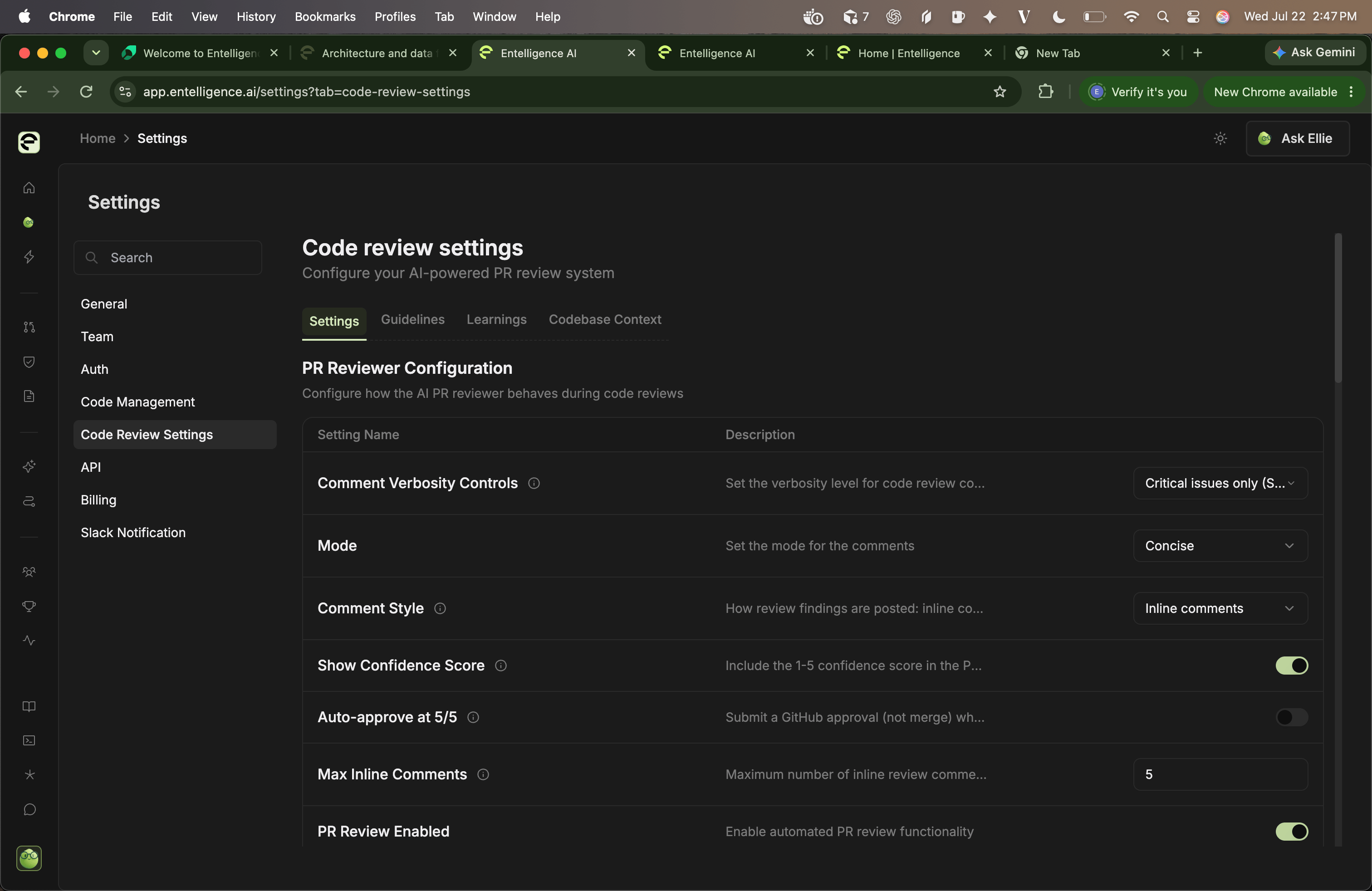
A connector card proves only that the integration is presented in the current catalog. Connection state, plan availability, permission scope, and supported actions must be checked in the workspace.
Build a workflow inventory
For each workflow, record:Separate reads from writes
Read path
Inventory sources, fields, scopes, caches, derived metrics, model calls, and stored outputs.
Write path
Inventory comments, statuses, fixes, tickets, Slack messages, exports, credential changes, and billing actions.